REGISTRATION
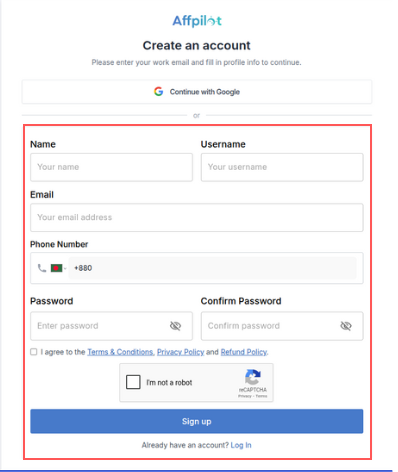
To register on our platform, please visit the sign-up page. Here you can register manually or via google.
Manual process:
- Enter your Name, Username, Email, Phone Number, Password, and Confirm Password.
- Review the Terms and Conditions carefully and agree to the rules.
- Click the ‘Sign Up’ button to complete the registration process.
Via Google:
Alternatively, you can create an account using Google.
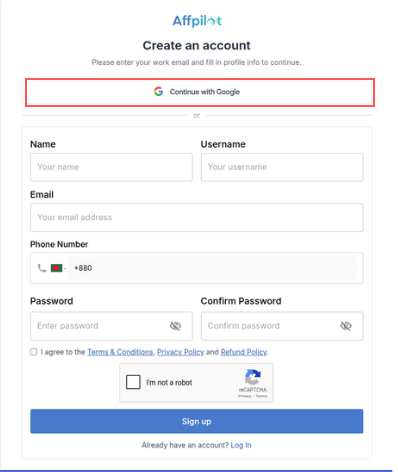
- First, click the button ‘Continue with Google’
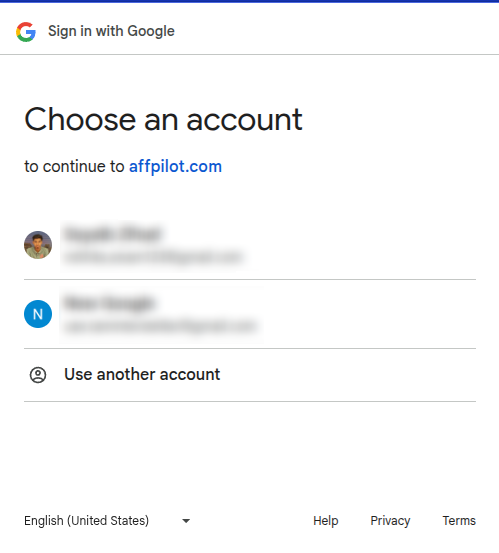
- Select your Google account to complete the sign-up process.
LOGIN
You have two options for signing in:
Manual process:
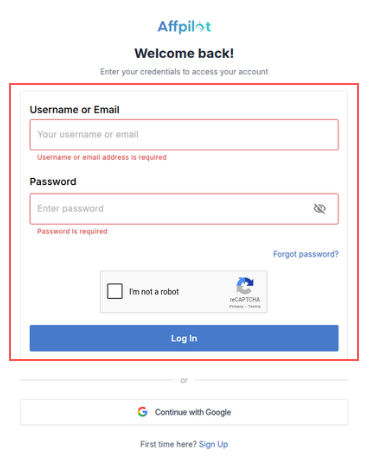
- For manual sign-in go tot this link and enter your Username or Email and your Password.
- Then press the ‘I’m not a robot’ button. Then press Log in button.
Via Google:
Another way is to sign in via google. Just press the button “Continue with Google“
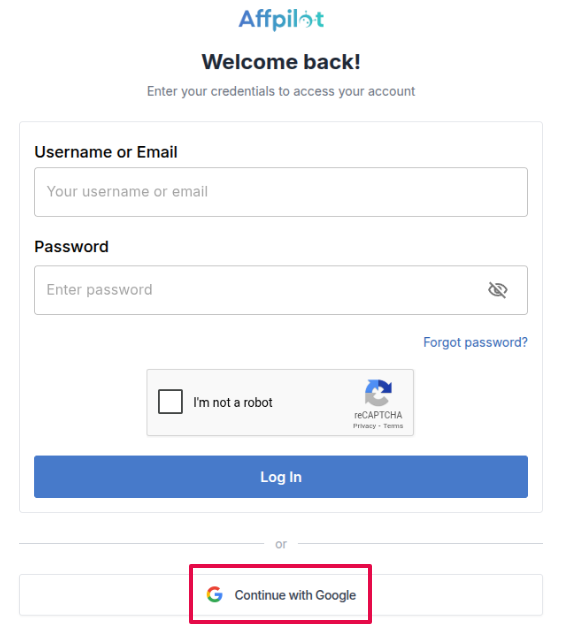
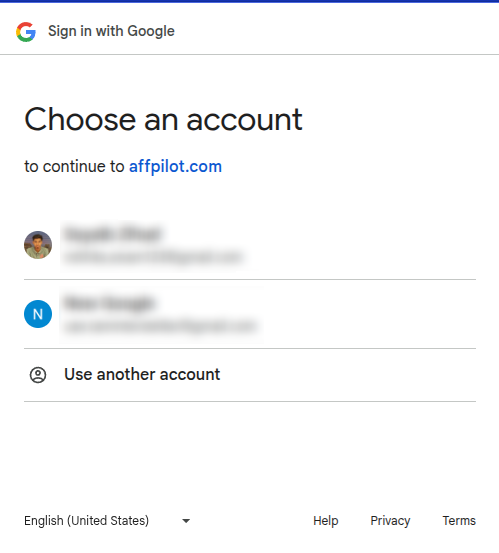
Then you will be prompted a screen like this. Select the account with you created account in affpilot and you will be logged in.