
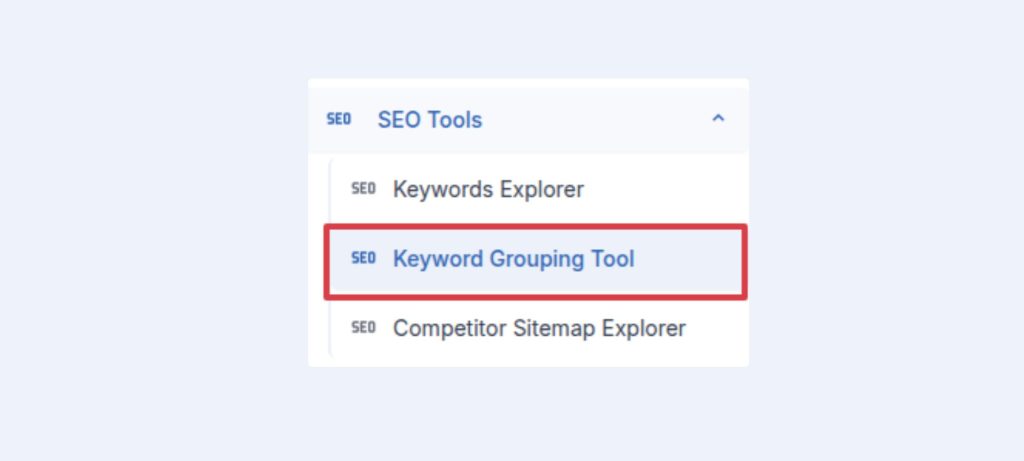
To find word frequency in your keyword, click Keyword Grouping Tool from the sidebar.
A new page will be open, where you can write your keywords or upload keywords as file (xlsx/csv). Then click “Create Groups” to check the frequency.

Now select you keywords, and click Generate articles with selected keywords.

By selecting keyword and clicking on Generate Article button, you will see:

Select the type of article you want to generate, then click “Next” button. And fill all the values there:

After that, click on “Next“.
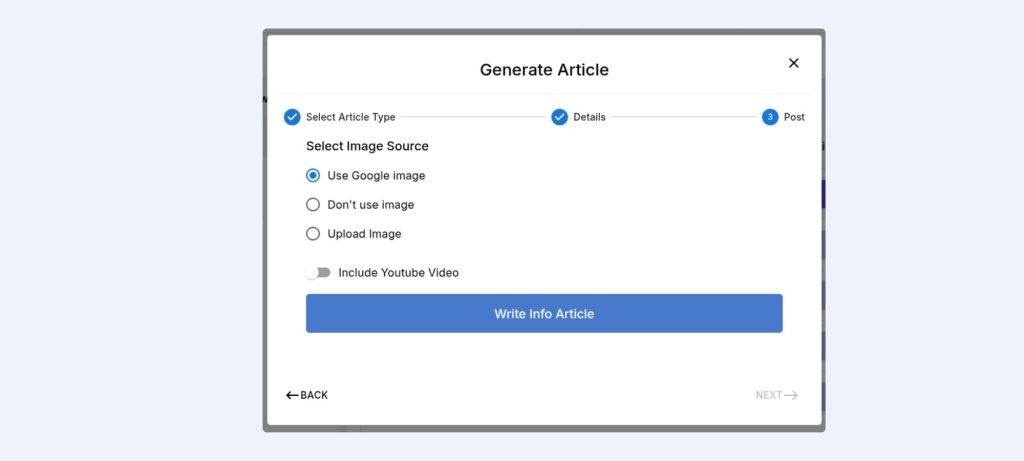
Now selecting option click on “Write Info Article” button. Affpilot will generate article for those selected keywords.