
Easily manage your brand voices to ensure clear and consistent communication across all your generated content.
You will get the “Brand Voice” button at the bottom group in sidebar.

By clicking this button, you will see this below page. Click on “Add Brand Voice” button.

By clicking Add Brand Voice, you will see input fields for Title(For identifying) and Prompt(Some text about your brand. Affpilot will extract information from the text). Provide those, and click on Extract Information button.

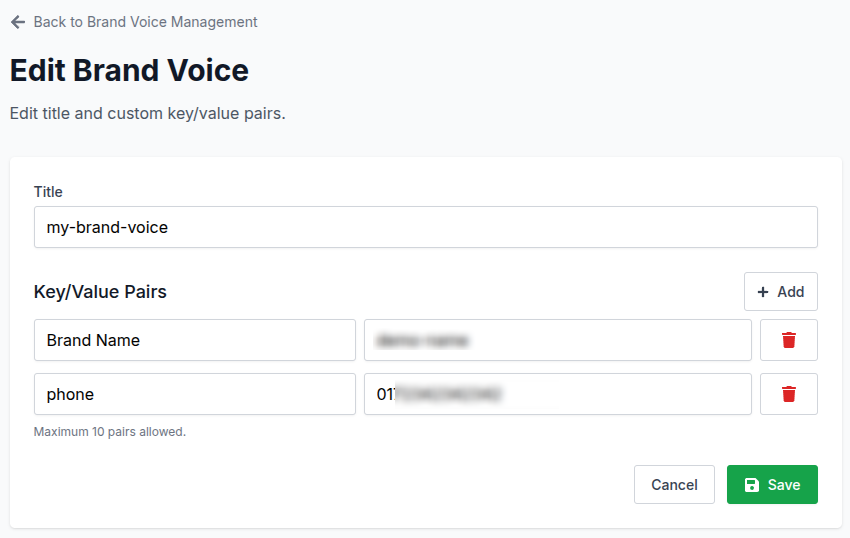
By clicking Extract Information button, key and value will be automatically filled up with your prompt and title. You can add, edit or delete and key value pair.
Note: you can use at most 10 key-value pairs.

Now click on “Save“ button. And you will see this brand is added in you brand voice list.

You can update/edit brand voice by clicking “Edit” button at the right.
Also you can delete by clicking Delete button at the right. And a pop-up window will ask you for confirmation about deletion.

Click “Delete” button to delete the brand voice.