Amazon API
The Amazon API integration in Affpilot allows you to fetch product details, images, and affiliate links directly from Amazon. This makes it easy to enrich your articles or blog posts with real-time product information, helping you create content that drives conversions.
Getting Started: Add your Amazon API
Click on “Add Amazon API” button to add your amazon API.
A new page will appear. Click on the “+ Add API” button to continue.

After clicking “+ Add API”, a setup window will open with several input fields. Fill them in as follows:
- Amazon API Title – A name to identify this API configuration.
- Amazon API Secret Key – Your secret key from Amazon Product Advertising API.
- Amazon API Access Key – Your access key from Amazon Product Advertising API.
- Amazon API Tracking ID – Your Amazon Associates tracking ID.
- Amazon API Country – Select the marketplace country (e.g., US, UK, IN).
- Throttle Time – Set the request delay to manage API rate limits and avoid throttling.

If you don’t have an Amazon PAAPI (Product Advertising API) yet, go to Amazon Associates Sign-Up, create an account, and obtain your PAAPI credentials.
These credentials (Access Key, Secret Key, and Tracking ID) are required to connect your Amazon API in Affpilot.

Once all fields are filled, click “Create API” to save your configuration.
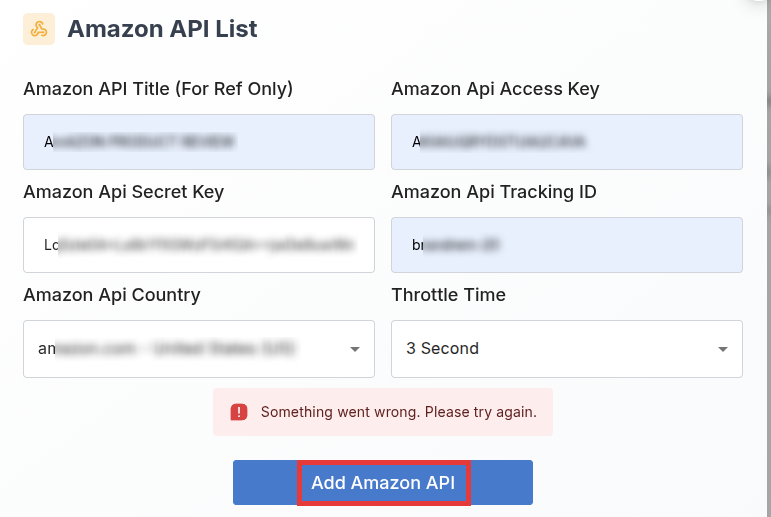
If any of the entered details are incorrect, you will see the following error message:
“We were unable to load the requested data. Please try again.”
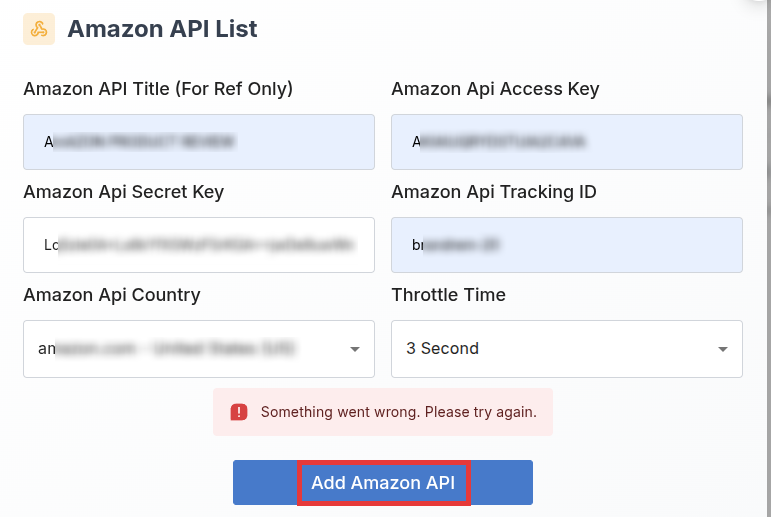
If all your data is correct, the Amazon API will be successfully connected, and Affpilot will be able to fetch product details, images, and affiliate links from Amazon for your articles.
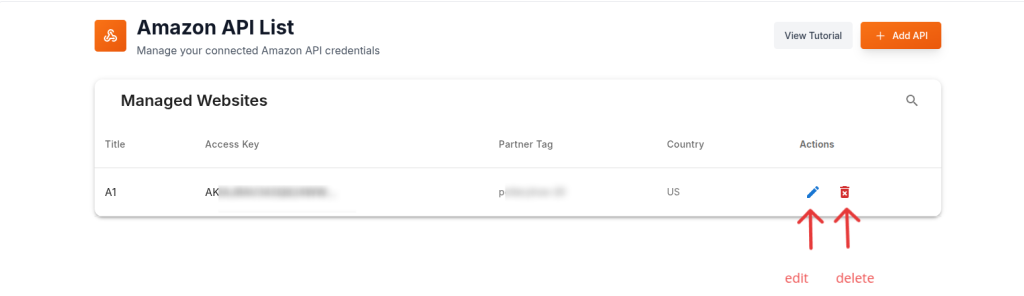
Congratulations! You have successfully added and verified your Amazon API. You can now fetch products and affiliate links directly from Amazon to enrich your articles and blog posts in Affpilot.
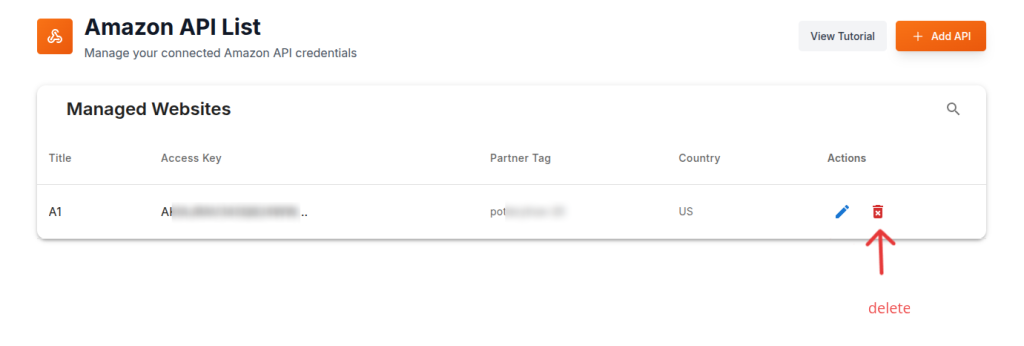
If you want to update your added Amazon PAAPI, then click on edit action. This action will appear a edit window. You are able to update/edit what you want.
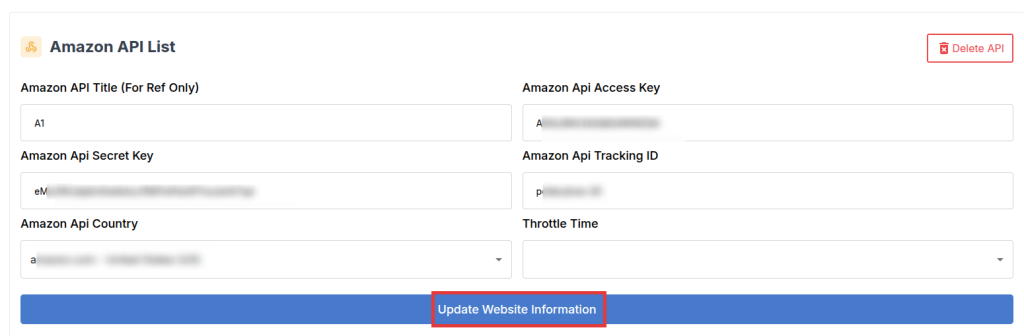
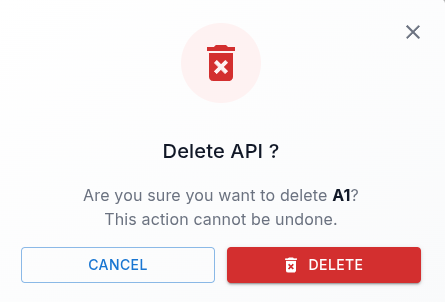
You can also delete your amazon account by simply pressing the delete button. A pop up will be shown up and press the ‘DELETE’ button again and your amazon account will be deleted