
First you will learn how to add wordpress to affpilot.
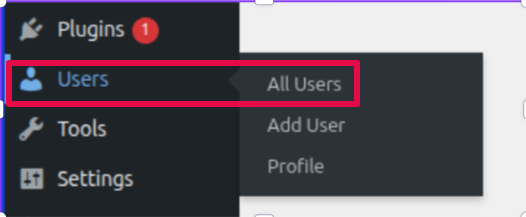
- Log in to your WordPress account. Then, go to the ‘Users’ section. Click on ‘All Users’

Create a new user by clicking “Add New User“
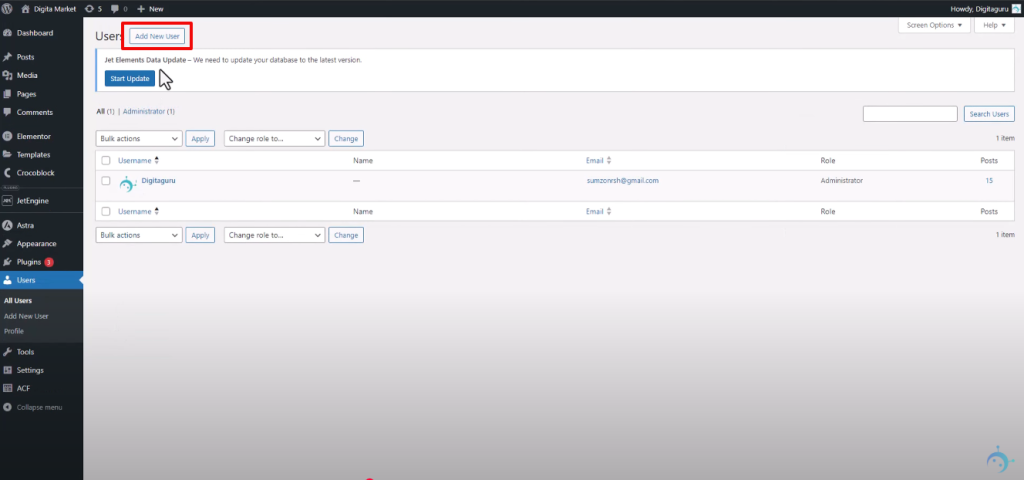
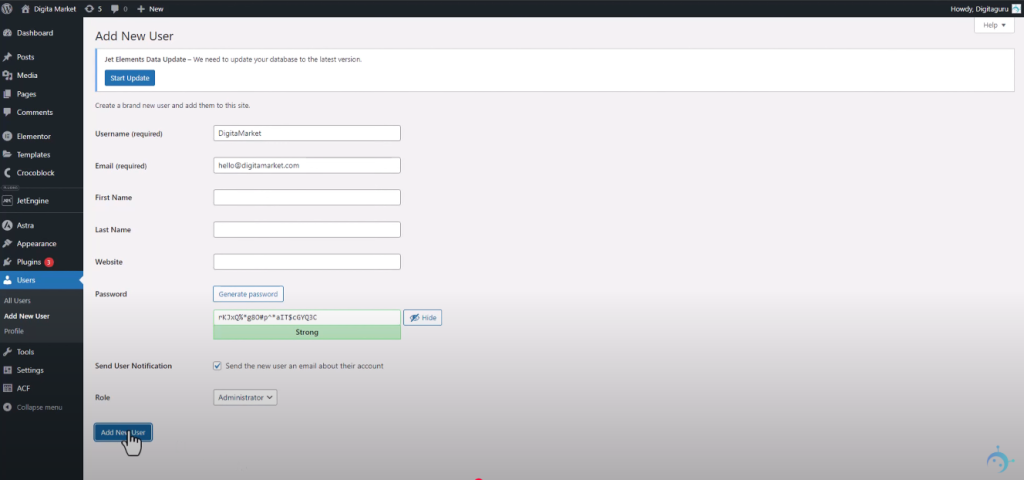
Provide necessary info such as username, email, password. You can give first name, last name and website too but they are not necessary. Make sure you set the ‘Role’ as ‘Administrator’. Remember the username, you will need it later to connect with Affpilot.
Now go to your user list and select your new user
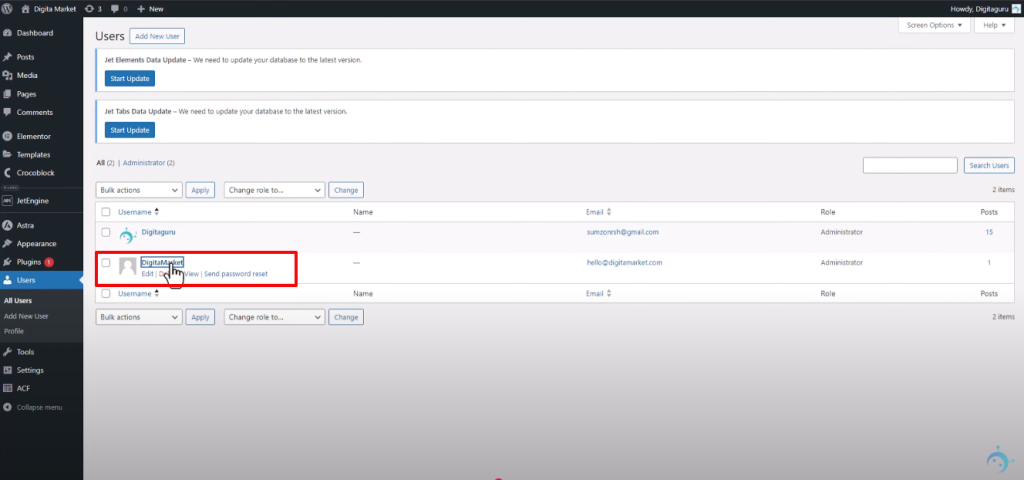
Copy the domain name from the url as shown in the picture. This will be needed later to connect with affpilot

Scroll down below and you will find an option named “Application Password“. Provide a name what ever you want. Then Press “Add new application password“.

You will find a new password like this in the picture shown. Copy it and we will be needed that to connect with Affpilot.

Now coming back to affpilot and go to the Dashboard and find wordpress
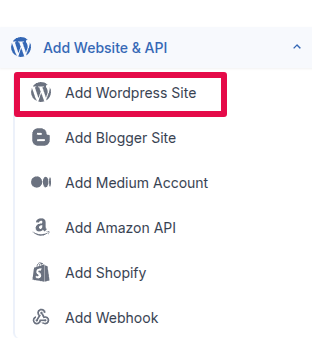
You will find something like this page.
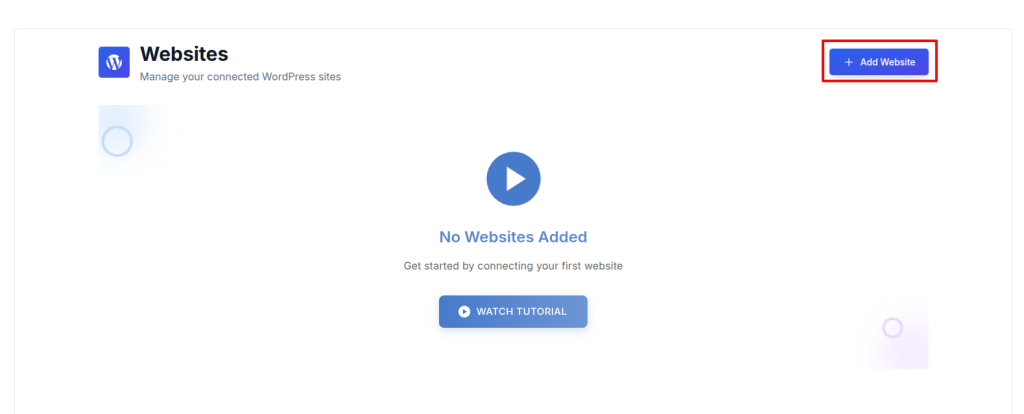
Now put the values you just created. For site title input whatever you want. For site URL paste the domain name, put username of the user you created and finally paste the application password. Then click the ‘verify & Continue’.

Now you will see a pop up like that under the current pop up .
You can a some input fields with drodown menu. Select the author name, category and post status- publish, draft or pending. Then click ‘Complete Setup’.

You will be directed to a new page and you will see you account now you can also edit and delete your account as shown below

Congratulations, you have succesfully added wordpress with the Affpilot.
You can edit your website information by clicking the edit icon. Go ahead and you will find a page like this. Here you will find exactly the same info you gave when you created the website info. change the field you want then simply tap the ‘update website information’ button and you content will be updated

To delete your account tap the delete button as shown above and you will see a pop up like this.

Hit delete button and your info will be deleted.