
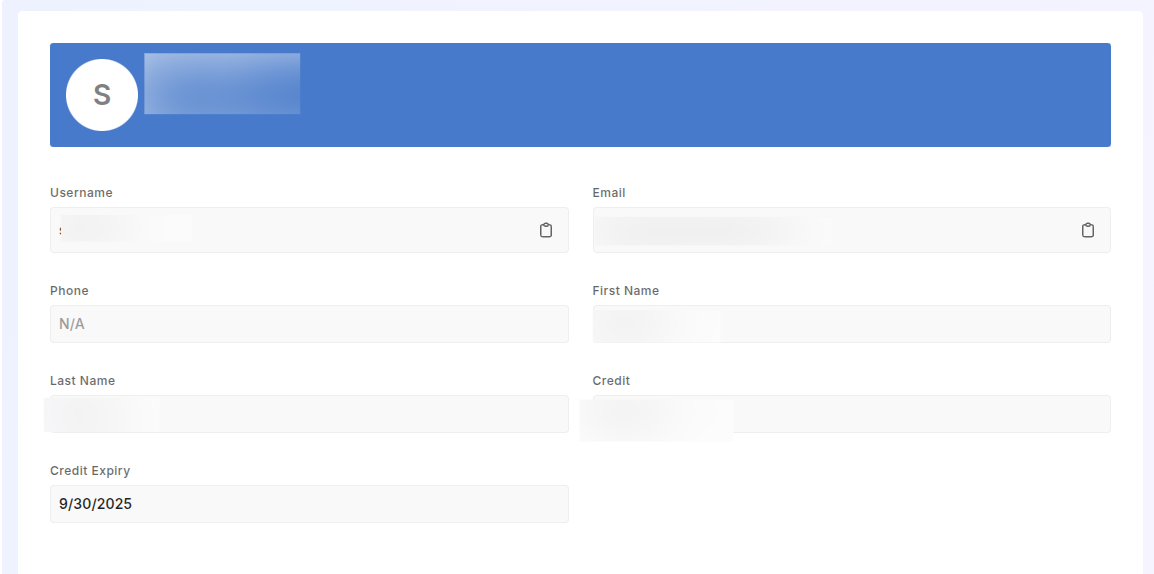
Once you log in you can head over to this Link and see your profile. You can also see you statistics.
Alternatively, you can also see your profile from Dashboard. Open the link and you will see a profile section at the right top corner of the page. You can find your credit history, transections, subscriptions
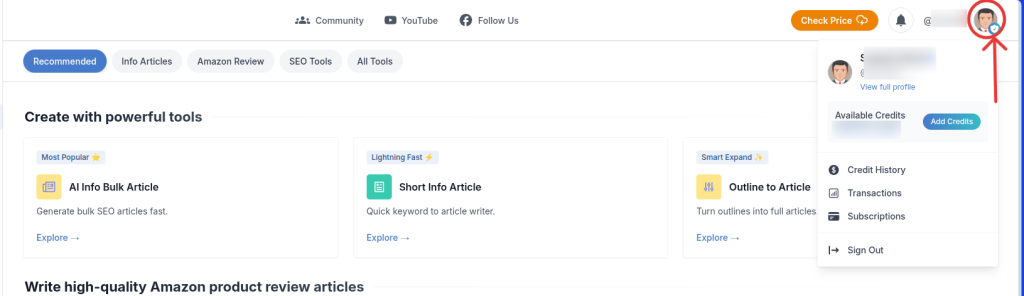
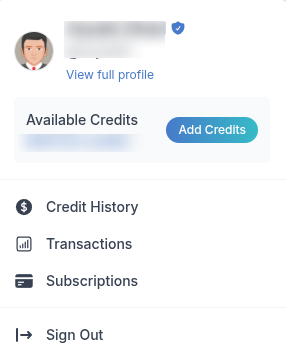
Here is a list of things you can see from this profile section.
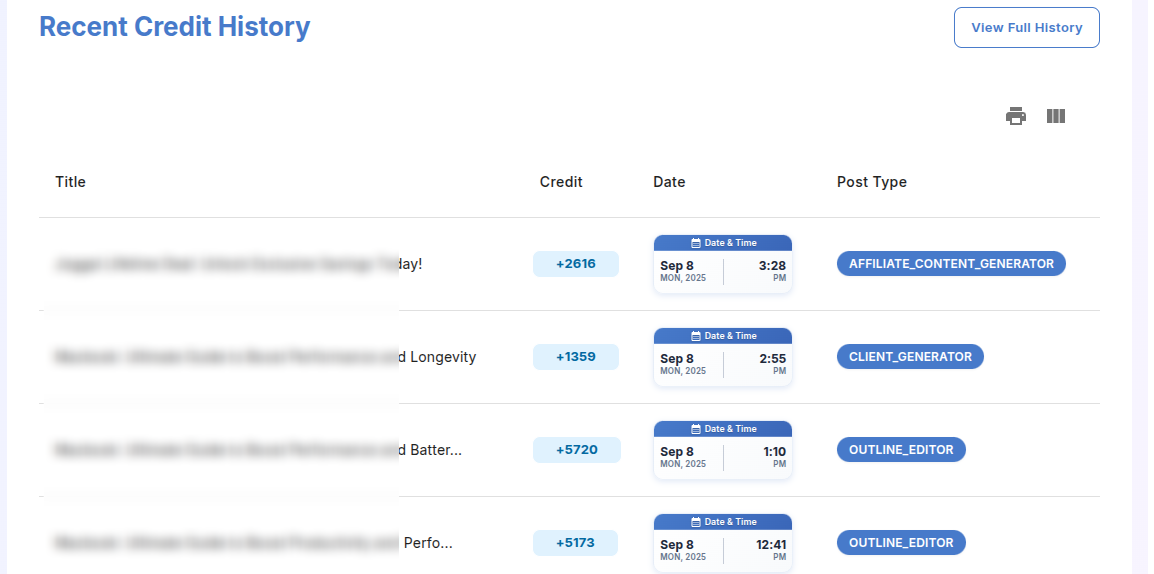
CREDIT HISTORY
TRANSECTION HISTORY
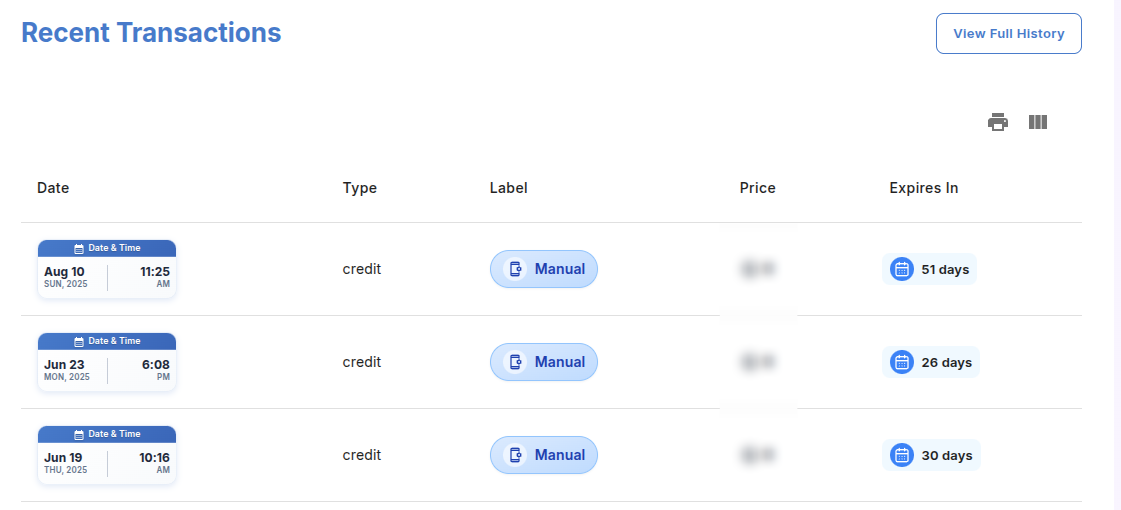
SUBSCRIPTION HISTORY

You can also delete your account from here. To make sure we don’t store any user related data in our database after a user deletes his/ her account.
